
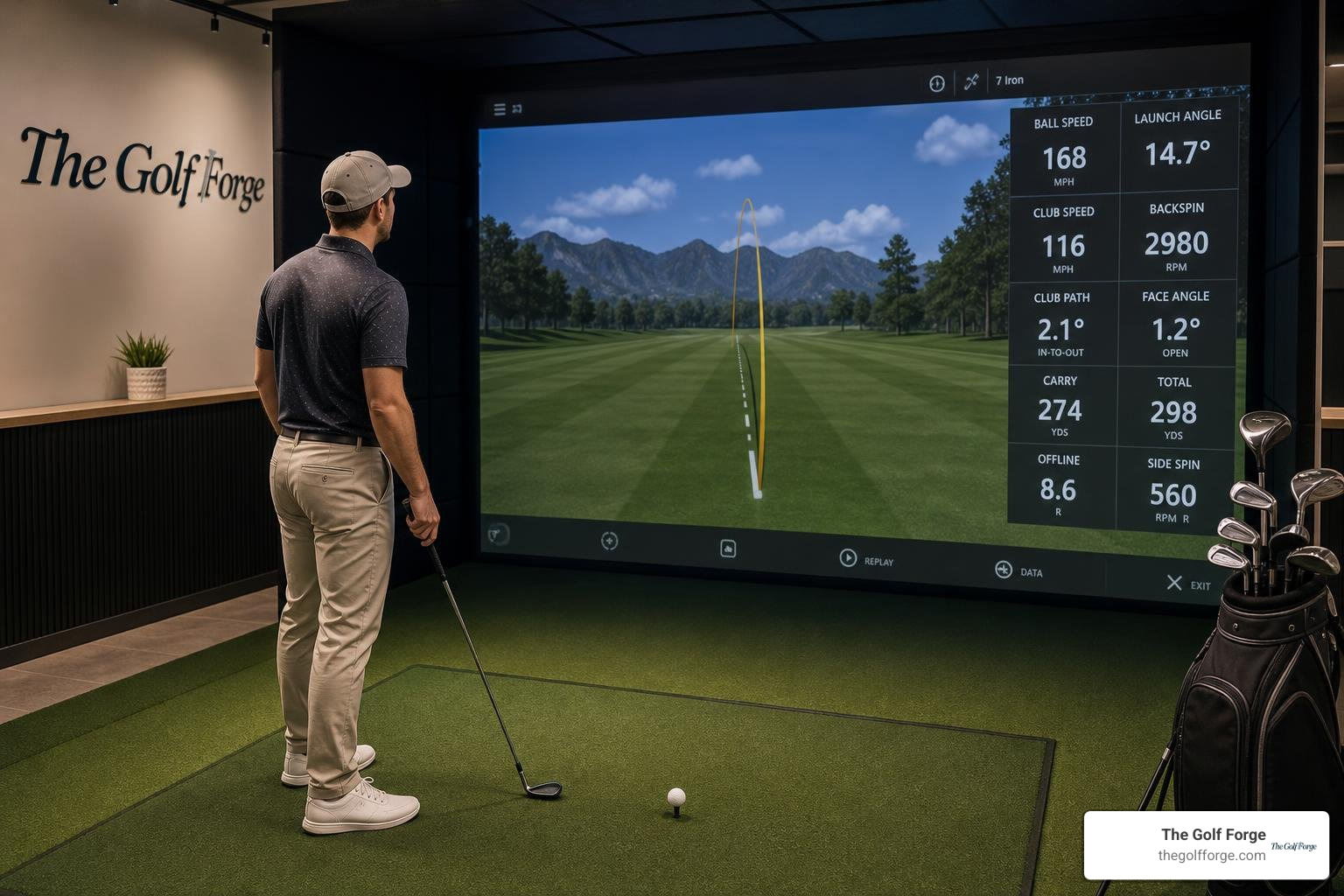
A Smarter Approach to Indoor Golf Data Practice
Make Indoor Golf Data Practice Count
Your swing feels solid one day and unpredictable the next. Bad weather and a packed schedule make it harder to find out why.
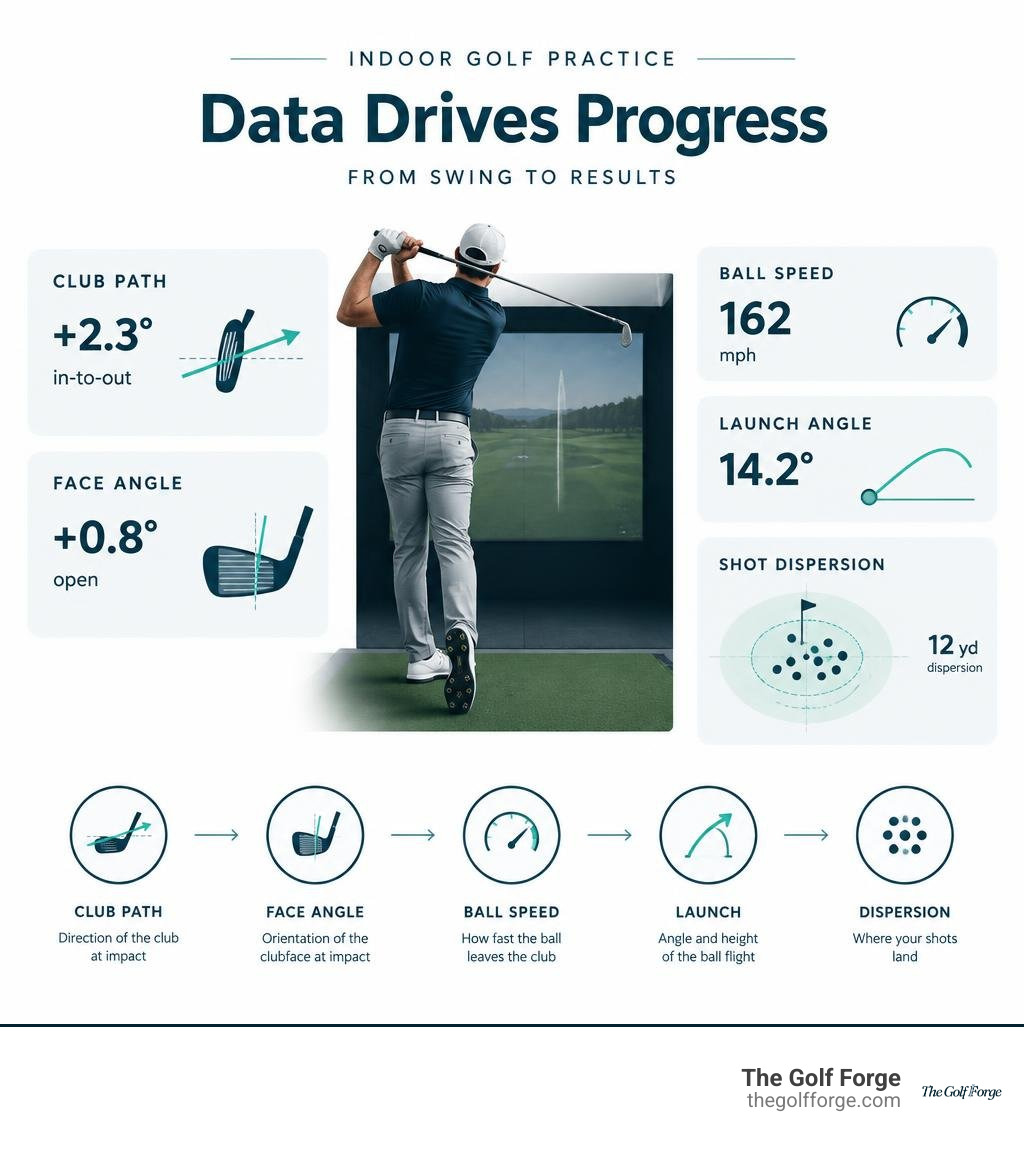
The Golf Forge offers 24/7 private bays and Foresight launch-monitor data, so you can practice in consistent conditions. For indoor golf data practice, hit 10 shots with one club at one target. Record ball speed, launch angle, club path, face angle, and where the shots land. Change one part of your swing, hit 10 more, and compare the pattern, not just your best shot.
Book a private bay in South Jordan or West Jordan to test what works on your schedule.
How to Structure Your Indoor Golf Data Practice
Stepping into an indoor golf bay without a plan often leads to rapid-fire hitting. When you swing without reviewing feedback, you reinforce mechanical errors. Deliberate practice requires a distinct objective for every swing, supported by accurate numbers that confirm what happened at impact.
Structured indoor golf training eliminates guesswork. By establishing baseline testing across your bag, you record clear reference points for ball speed, launch angle, and spin. This setup transforms your training into a reliable feedback loop. Research published in sports science journals evaluating modern photometric and radar systems highlights the value of high-precision tracking for understanding within-session and between-session swing dynamics.
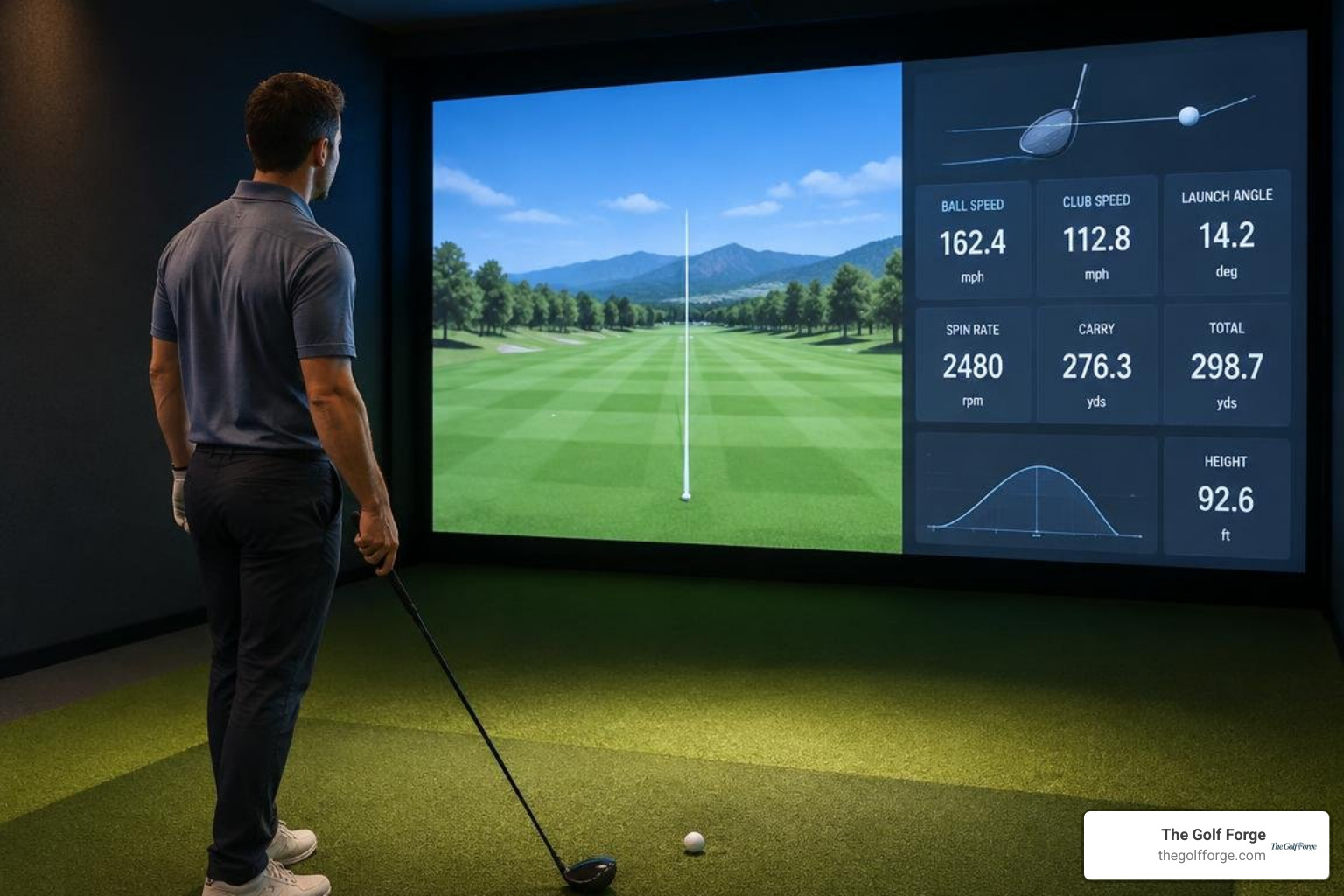
When practicing indoors at The Golf Forge, you train in a controlled climate free from wind, temperature swings, or uneven turf. This controlled setting isolates your swing mechanics, providing clean numbers you can evaluate over time.
Essential Ball and Club Metrics for Indoor Golf Data Practice
To make sense of your session data, focus on core parameters that dictate distance, trajectory, and accuracy. An advanced golf launch monitor tracks two primary data categories: club delivery and ball flight.
Ball Speed: The speed of the golf ball immediately after separation from the clubface. It is the primary engine of total distance.
Launch Angle: The initial vertical angle at which the ball ascends relative to the ground. Matching launch angle to ball speed maximizes carry.
Spin Rate: The amount of backspin on the ball immediately after impact, measured in revolutions per minute (rpm). Insufficient spin causes shots to drop out of the air; excess spin robs distance and magnifies wind deflection.
Smash Factor: Ball speed divided by clubhead speed. This number reflects energy transfer efficiency. A standard driver benchmark is around 1.45 to 1.50, while short irons yield lower values due to higher loft.
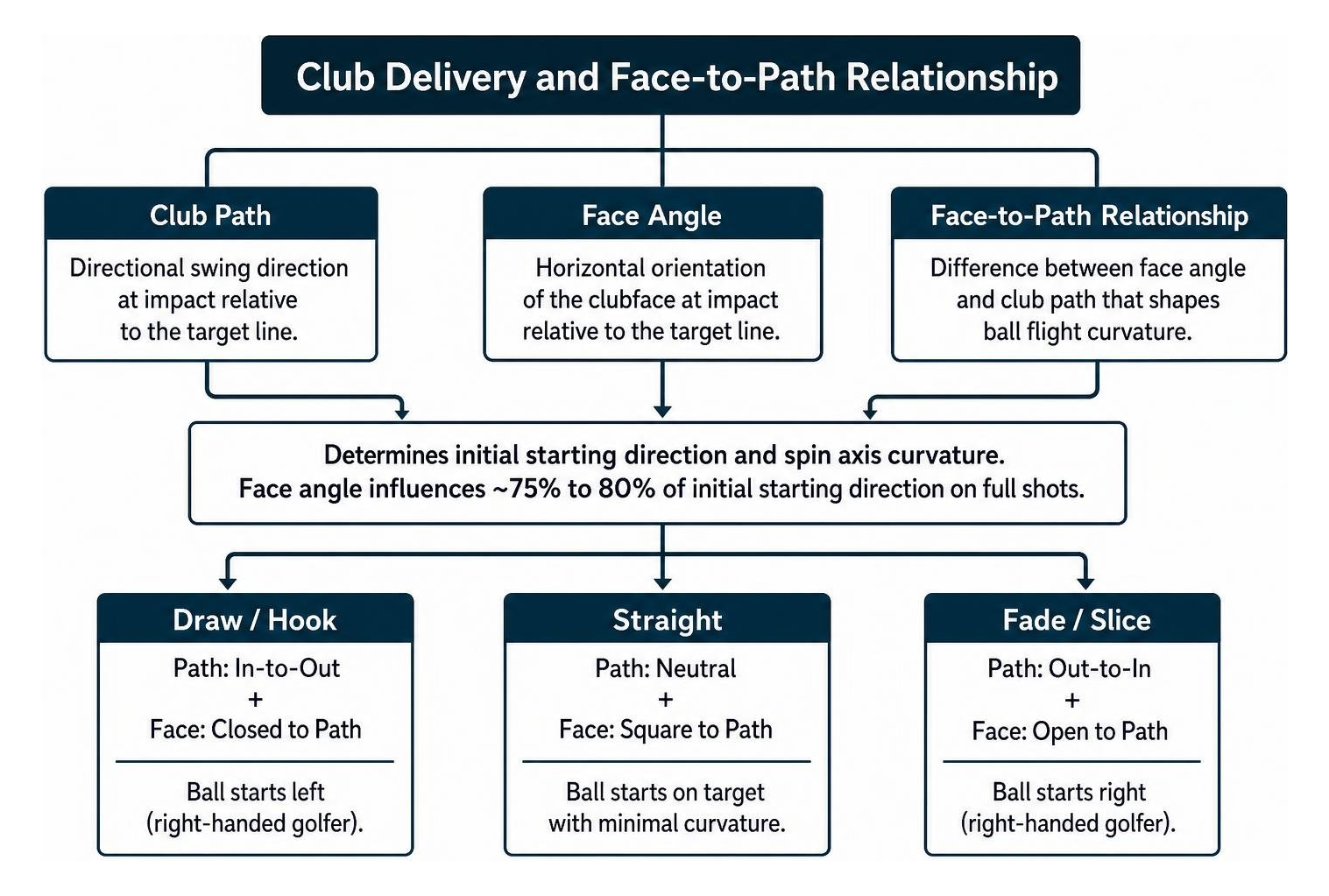
Club Path: The directional swing direction (in-to-out or out-to-in) of the clubhead at impact relative to the target line.
Face Angle: The horizontal orientation of the clubface (open, square, or closed) relative to the target line at the moment of contact.
Analyzing Club Delivery and Face-to-Path Relationships
Ball flight curvature is determined by the relationship between the clubface and the swing path. The face angle dictates roughly 75% to 80% of initial starting direction on full shots, while the difference between face angle and club path generates side tilt and spin axis curvature.
Understanding dynamic loft and angle of attack completes your club delivery diagnosis. Angle of attack describes whether you strike the ball on an upward (+AoA) or downward (-AoA) trajectory. Pairing a systematic golf swing plane analysis with strike location reveals why an off-center hit can feel pure yet lose 15 yards. Monitoring these metrics prevents you from chasing swing fixes when the underlying issue is simply impact location.
How to Build a Data-Driven Indoor Training Routine
Unstructured practice often leads golfers to hit 70 drivers in a row without assessing dispersion. Building a reliable swing demands disciplined session architecture: a functional warmup, calibrated technical drills, and simulated on-course execution.
Engaging in purposeful golf simulator practice helps you bridge the gap between mechanical drills and competitive play.
Practice Feature | Traditional Block Practice | Data-Driven Randomized Training |
|---|---|---|
Club Selection | Same club repeatedly (e.g., 50 shots with a 7-iron) | Alternating clubs every 1–2 shots |
Target & Intent | General direction down the range | Specific target line with monitored dispersion boundaries |
Feedback Mechanism | Visual observation of flight only | High-speed data (path, face, spin, landing coordinates) |
Cognitive Load | Low; swings run on autopilot | High; requires routine and alignment adjustments |
Transfer to Course | Low retention under pressure | High retention and faster on-course adaptation |
Building a Routine: Step-by-Step Indoor Golf Data Practice
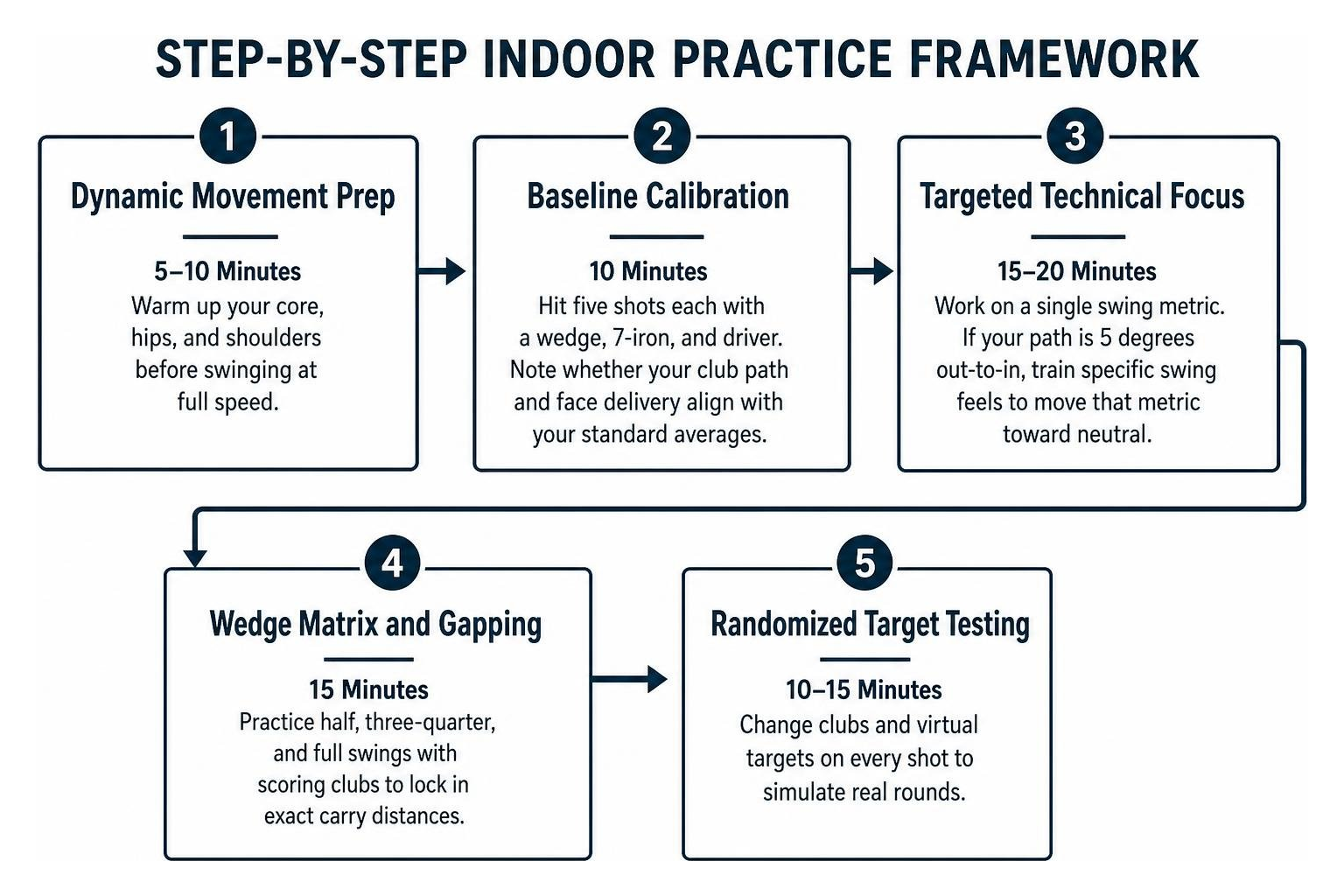
To build an efficient training session, organize your bay time into progressive stages:
Dynamic Movement Prep (5–10 Minutes): Warm up your core, hips, and shoulders before swinging at full speed.
Baseline Calibration (10 Minutes): Hit five shots each with a wedge, 7-iron, and driver. Note whether your club path and face delivery align with your standard averages.
Targeted Technical Focus (15–20 Minutes): Work on a single swing metric. If your path is 5 degrees out-to-in, train specific swing feels to move that metric toward neutral.
Wedge Matrix and Gapping (15 Minutes): Practice half, three-quarter, and full swings with scoring clubs to lock in exact carry distances.
Randomized Target Testing (10–15 Minutes): Change clubs and virtual targets on every shot to simulate real rounds.
Diagnosing Swing Flaws and Tracking Long-Term Progress
When analyzing your data across weeks or months, look for recurring trends rather than fixating on individual outliers. A single errant push-fade is less important than a 10-session trend showing your path shifting out-to-in.
Tracking these patterns produces golf swing improvement you can measure on your scorecard. In fact, players who use launch monitor data during indoor practice improve their clubhead speed by an average of 5 mph within 8 weeks, while over 60% of regular indoor golfers report a 15% or greater reduction in handicap over six months.
Translating Simulator Data to On-Course Scoring and Strategy
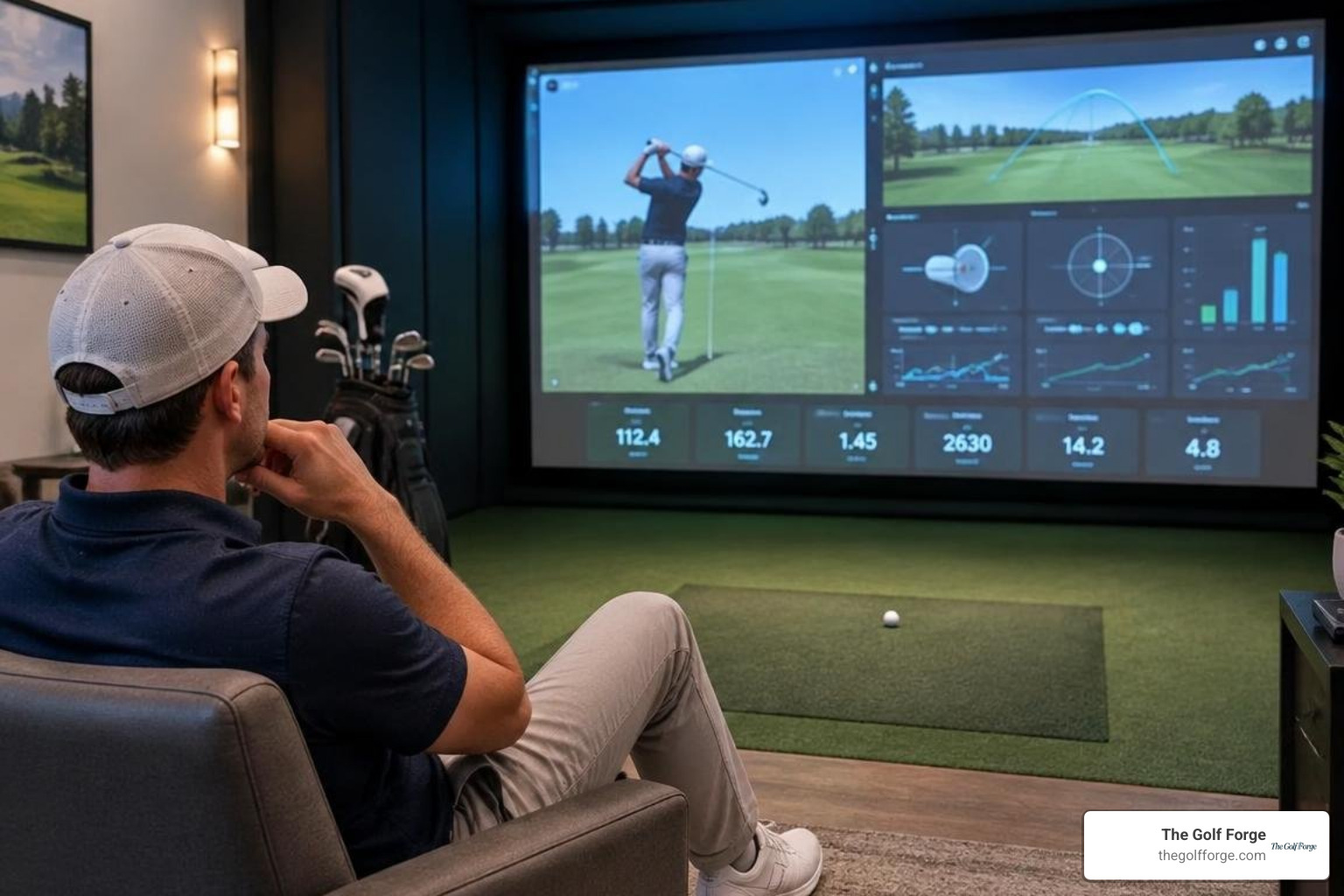
A common question is how numbers on a screen carry over to an outdoor golf course. Simulator bays remove variables like wind gusts, wet rough, and elevation changes. While this controlled setting makes skill acquisition faster, you must apply your numbers strategically on the course.
Dispersion Cones: Rather than aiming directly at every flagstick, review your 15-shot dispersion cone for each club. If your 6-iron produces a 20-yard left-to-right spread, aim at the center of the green to give yourself a margin for error.
Carry Distances Over Total Distance: Outdoor bounce and roll vary based on turf firmness. Relying on indoor carry numbers ensures you clear fairway bunkers, water hazards, and false fronts.
Environmental Adjustments: Utah golf courses often sit at elevations exceeding 4,300 feet. Factor in how elevation increases carry distance outdoors while maintaining your calibrated indoor swing fundamentals.
Working with a swing coach at The Golf Forge helps translate these numbers into an on-course strategy, making your indoor gains visible on outdoor scorecards.
Frequently Asked Questions About Indoor Golf Data Practice
How accurate is indoor golf data compared to real outdoor ball flight?
Modern overhead photometric launch monitors, such as the Foresight Falcon systems at The Golf Forge, use high-speed optical cameras to measure both clubhead delivery and ball launch parameters directly at impact. By measuring ball speed, spin rate, and launch angle rather than estimating them, these systems deliver data precision that mirrors real-world physics.
What is the most important metric to focus on for beginners?
Beginners should focus on Smash Factor and Centered Strike. Before adjusting complex path angles, making consistent contact near the sweet spot of the clubface yields immediate improvements in ball speed, dispersion, and overall distance.
How often should you audit and recalibrate your club gapping data?
Perform a full yardage gapping audit every 8 to 12 weeks, or whenever you make an equipment change or swing modification. Auditing your bag confirms that your carry distances remain evenly spaced without overlapping yardages.
Conclusion: Elevate Your Game with Dedicated Data Practice
Improving your golf game requires measurable data and purposeful repetition. Guessing your path and strike at an outdoor range can lead to ingrained swing errors. Indoor golf data practice gives you immediate, objective metrics on every swing, helping you identify mechanical flaws and build lasting consistency.
Whether you want to audit your carry distances, neutralize an over-the-top path, or practice throughout the Utah winter, our private bays are open around the clock to support your goals.
Book your session at The Golf Forge in South Jordan or West Jordan today. Choose from flexible hourly bay rentals, structured memberships (Bronze, Silver, Gold, or Corporate), or schedule time with a professional swing coach to take your game to the next level.